Millrock Batch Reporter
Easy-To-Use and Dynamically Powerful
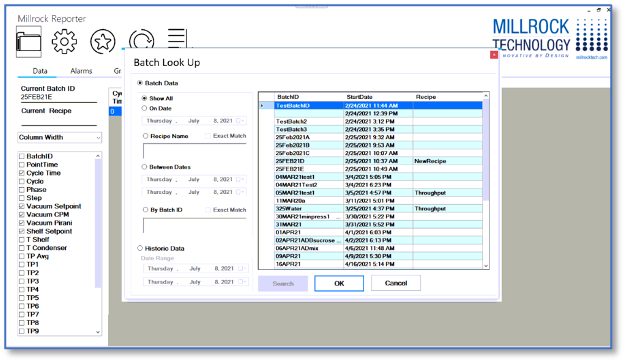
Designed to save you time and enable you with instant access to both historical freeze drying data and real-time live data, as your product is processing in the lyophilizer. Data is collected and stored for all process parameters, both set points and read outs, in the freeze drying cycle.
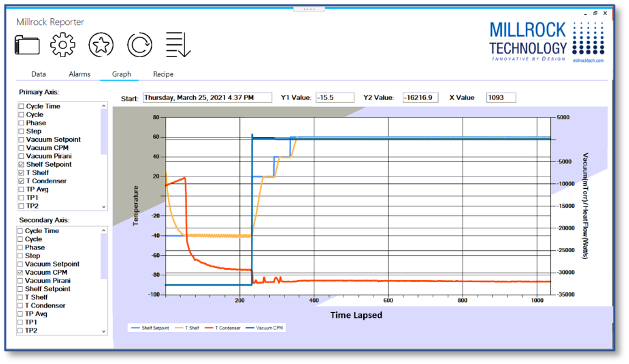
Millrock Reporter lets you pick and choose which parameters you want to see and will provide the information in either an alphanumeric format or graph format. Want a different view? simply click another column entry or drag and drop columns of data where you would like them to appear. Find trends for any data point, instantly.
ROBUST DATA THAT’S REPORTABLE
- Thermocouples
- Pirani and Capacitance Manometer
- Shelf and Condenser Temperatures
- Time
- Custom Sensors
- Alarms
FEATURES
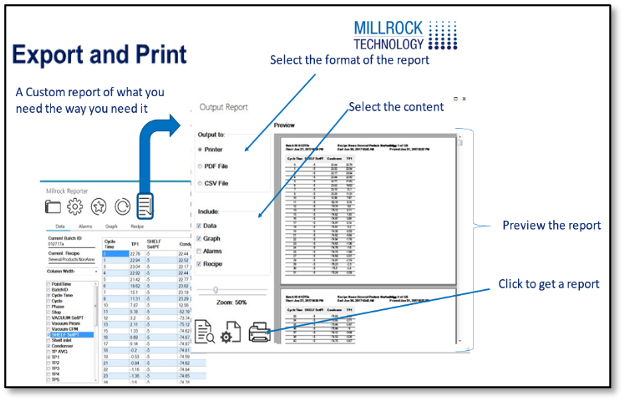
- Easily produces tabular, graphical and PDF reports
- Includes recipe, process data and any possible alarms
- Maintains a library of all processing events and observations